In practice
What QArchiv looks like on your device
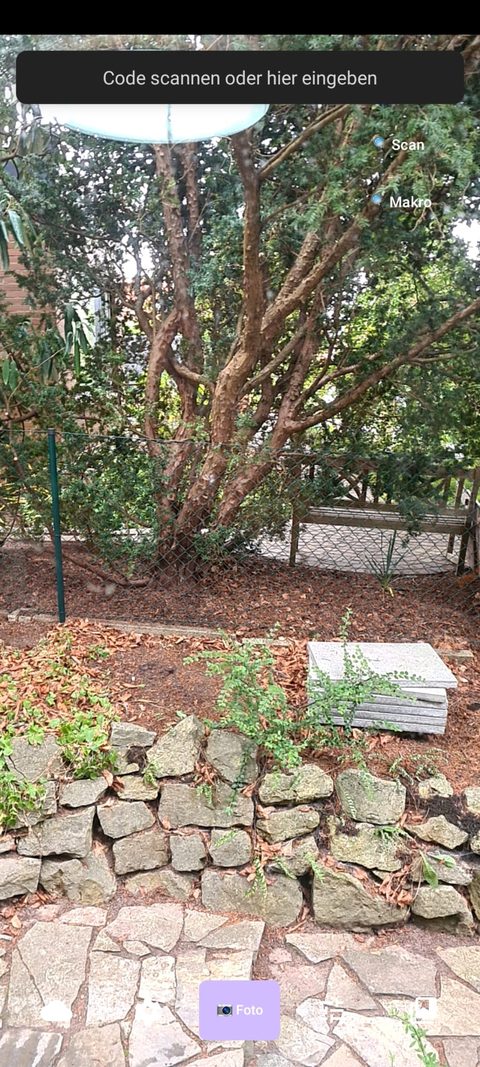 Camera & Scan
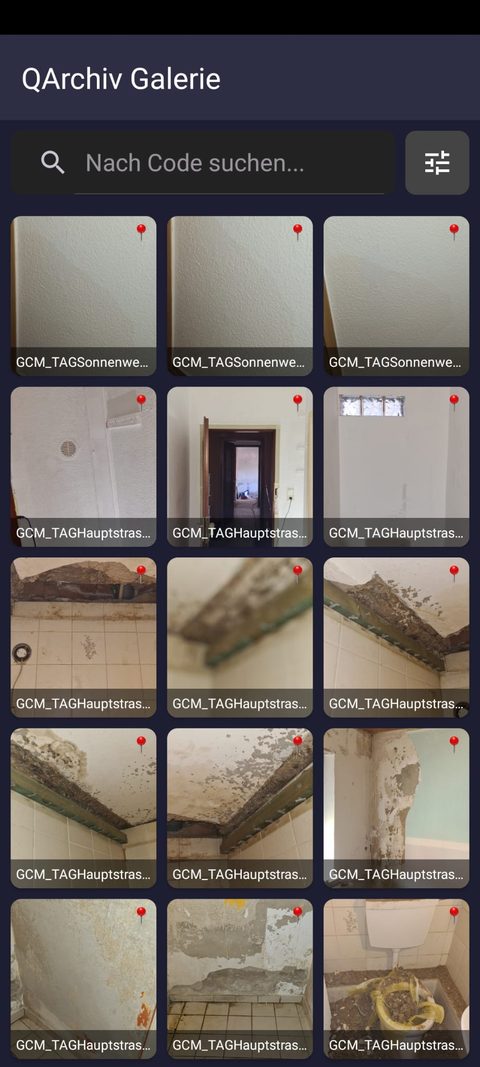 Gallery
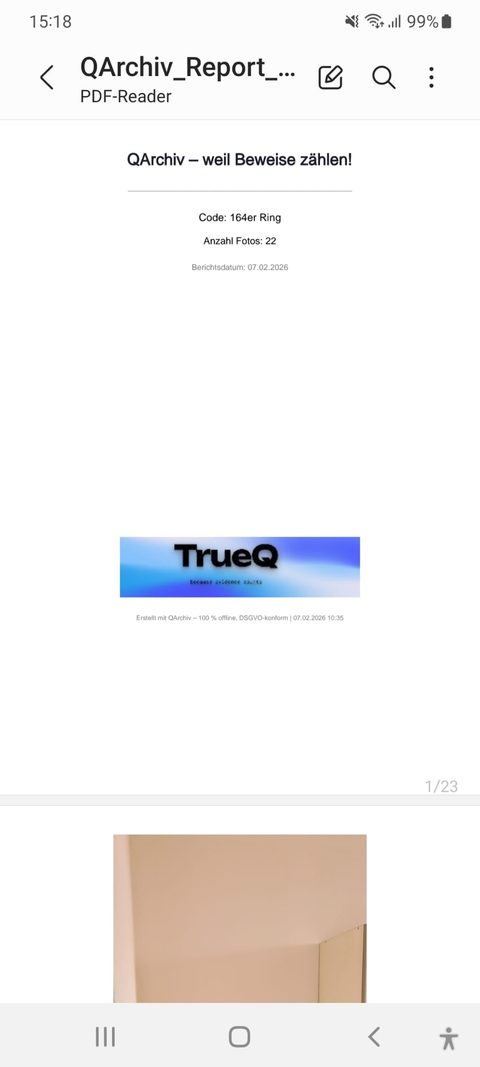 PDF Report
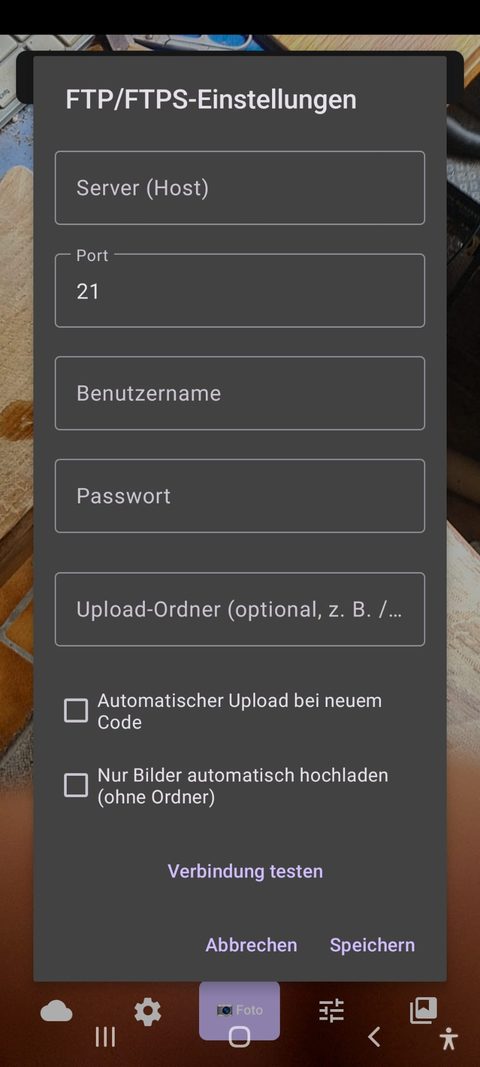 Upload Settings
QArchiv turns your Android smartphone into a digital evidence camera: timestamp, GPS location, and a SHA-256 hash are embedded directly and immutably in the photo – no special hardware required.
QArchiv replaces expensive dedicated evidence cameras ($800–1,000), specialty tablets, and handwritten reports with photos taped on afterward.
Damage documentation with time, location, and voice notes – instantly as a verifiable PDF with your logo.
Before/after comparisons with voice notes, delivered as a branded PDF report for the customer.
Incident documentation with GPS, voice commentary, and a forensic PDF report.
Condition reports without disputes – PDF with logo and optional ZIP as verifiable proof.
Capture and archive damage to public infrastructure directly on site.
Document inventory and donation handovers with PDF and optional original archive.
Camera & ScanGalleryPDF ReportUpload SettingsWith or without a code – manually, by scan, or by voice.
Recorded automatically and immutably in the EXIF data.
A digital fingerprint is embedded in the EXIF metadata.
With date, GPS, notes, and hash – optionally with your logo.
SHA-256 hash embedded directly in the EXIF data – reproducible and court-ready.
No internet connection needed, no cloud requirement, GDPR-compliant.
FTP/FTPS or TrueQ Cloud, either flat or sorted into code-named folders.
With company logo, GPS, voice notes, and an optional ZIP original archive.
QR, Data Matrix, EAN, UPC & more – detected 100% offline via ML Kit.
$299 one-time – includes updates within version 1.x and support.
Automatic hardware detection for ultra-wide or tele-macro capture.
Full interface and PDF reports available in German and English.
Every photo receives a SHA-256 hash over the image, code, and GPS position when saved – written directly into the EXIF field Software.
Da habt ihr gute Arbeit geleistet. Die App ist viel schneller und besser als unsere Kameras. Dabei kann sie mehr von den Funktionen her. Finde ich klasse!
"You've done great work here. The app is much faster and better than our cameras — and it can do more, feature-wise. I think it's excellent!"
Try it free with 10 photos a day – no hidden costs, no subscription.
Older flagship devices (e.g. Galaxy S8+) often run better than new budget Android Go devices. · USK 0 · No data shared with third parties.